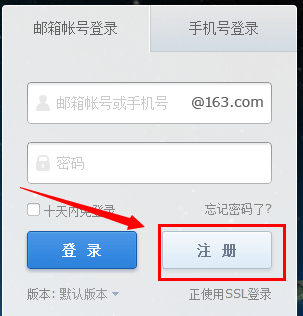



登录页面模板。

<!DOCTYPE html>
<html>
<head>
    <title>登录</title>
    <!-- 引入CSS样式 -->
    <link rel="stylesheet" type="text/css" href="styles.css">
</head>
<body>
    <div class="login-container">
        <h2>登录</h2>
        <form action="/login" method="post">
            <div class="input-group">
                <label for="username">用户名:</label>
                <input type="text" id="username" name="username" required>
            </div>
            <div class="input-group">
                <label for="password">密码:</label>
                <input type="password" id="password" name="password" required>
            </div>
            <div class="input-group">
                <button type="submit">登录</button>
            </div>
        </form>
        <!-- 这里可以添加注册链接 -->
        <p><a href="/register">还没有账号?点击注册。</a></p>
    </div>
</body>
</html>注册页面模板:
<!DOCTYPE html>
<html>
<head>
    <title>注册</title>
    <!-- 引入CSS样式 -->
    <link rel="stylesheet" type="text/css" href="styles.css">
</head>
<body>
    <div class="register-container">
        <h2>注册新账号</h2>
        <form action="/register" method="post">
            <div class="input-group">
                <label for="username">用户名:</label>
                <input type="text" id="username" name="username" required>
            </div>
            <div class="input-group">
                <label for="email">邮箱:</label>
                <input type="email" id="email" name="email" required>
            </div>
            <div class="input-group">
                <label for="password">密码:</label>
                <input type="password" id="password" name="password" required minlength="8"> <!-- 设置密码最小长度 -->
            </div>
            <!-- 这里可以添加其他需要的信息,如姓名、地址等 -->
            <!-- 添加提交按钮 -->
            <div class="input-group">
                <button type="submit">注册</button>
            </div>
        </form>
        <!-- 这里可以添加已有账号?去登录 -->
        <p><a href="/login">已有账号?点击登录。</a></p>
    </div>
</body>
</html>
上述模板中的样式(CSS)并未包含在内,您需要自行添加适当的样式以使页面看起来更美观,您还需要在服务器端处理表单提交,验证用户输入并处理注册和登录逻辑,这涉及到后端编程,具体实现取决于您使用的编程语言和框架。